
🤝 Top Collaborators
.png&w=640&q=75)
🤓 Latest Submissions
Ai Assistant For MS WORD
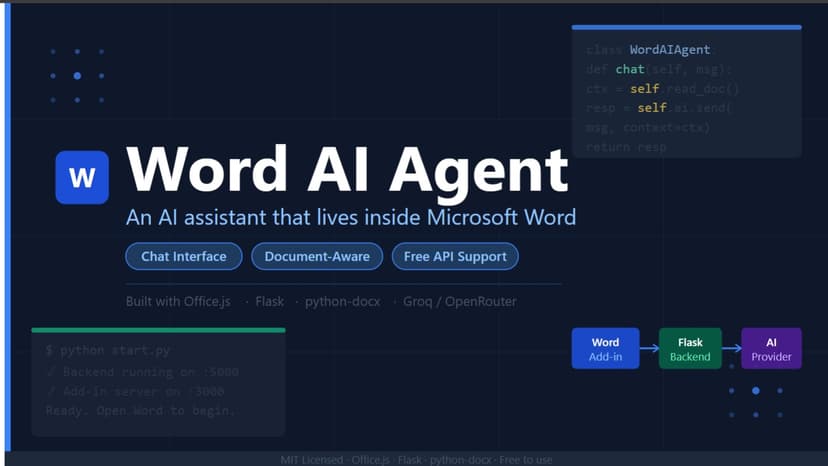
Word AI Agent brings the power of large language models directly into Microsoft Word. Instead of switching between your document and a separate AI tool, you get a fully integrated chat panel that understands your document and acts on it in real time. Whether you need to draft a professional report, restructure paragraphs, insert formatted tables, or apply consistent styling across a document — Word AI Agent handles it all through natural language commands. The AI reads your current document for context, generates precise editing operations, and lets you review every change before it's applied. Key Highlights Chat-first workflow: Type plain English instructions — the AI figures out the rest. No commands to memorise, no menus to dig through. Document-aware AI: The agent analyses your existing content before responding, so suggestions are always relevant to what you're working on. Non-destructive editing: Every AI action is previewed first. You stay in control — apply, modify, or discard changes before they touch your document. Professional formatting: Insert headings, bullet lists, numbered lists, bold/italic text, and multi-column tables with a single instruction. Flexible AI backends: Connect to Groq (recommended for speed), OpenRouter (widest model selection), or Google AI Studio (Gemini models) — all with free tiers available. Zero cloud lock-in: Your document never leaves your machine. The backend runs locally on `localhost`, and you supply your own API key. Quick setup: A single `python start.py` command boots the Flask API server and the HTTPS add-in server simultaneously. How It Works 1. Run `python start.py` to start the local backend and add-in server. 2. Install the add-in in Word using the Shared Folder Catalog method. 3. Open the AI Agent panel from the Word ribbon. 4. Configure your chosen AI provider and API key in the Settings tab. 5. Chat — and watch your document improve in real time.
10 May 2026
